

Hello Rune example
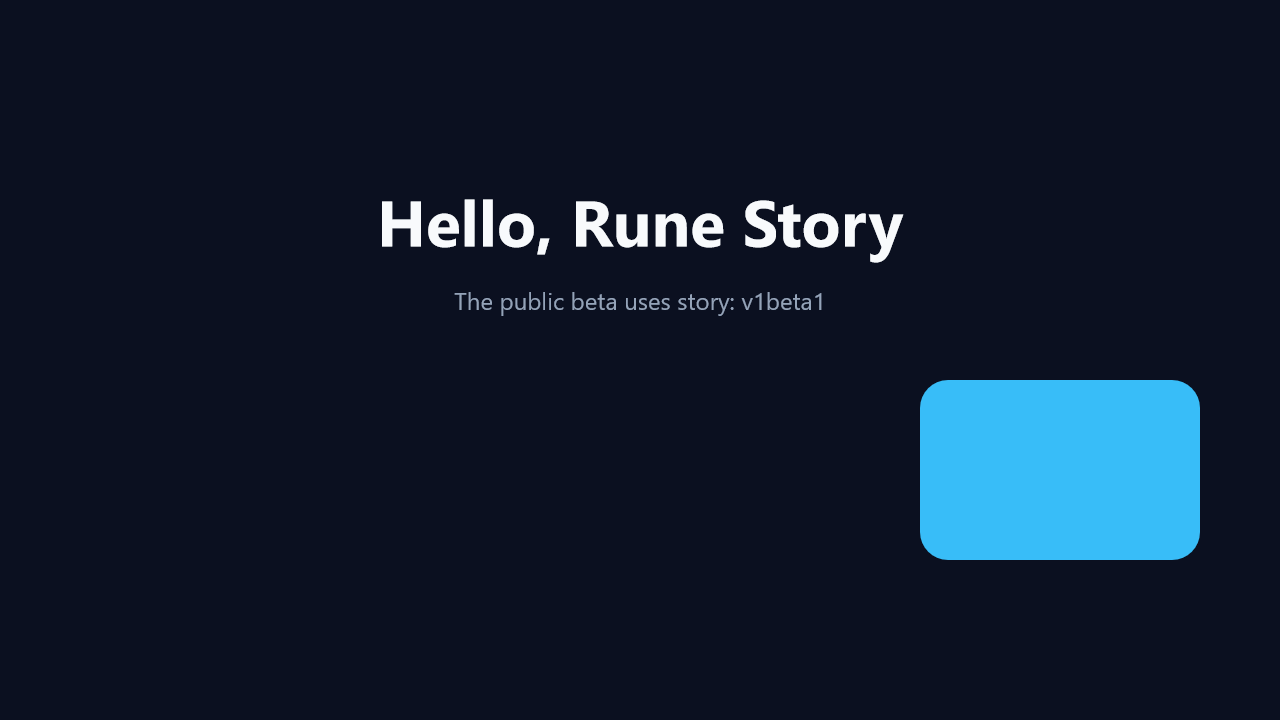
A minimal create → set → wait Story with one spring-settled card move.
Sample file
- Source:
samples/story/quick-start.story.yaml - Gallery frame:
1.0sfrom the baked1.78ssample.
Checked-in YAML
Exact complete YAML from the checked-in sample.
yaml
story: v1beta1
name: hello-rune
canvas: 1280x720

script:
  - create@bg:
      rect: 0,0,1280,720
      fill: "#0b1020"

  - create@title:
      text: "Hello, Rune Story"
      fontSize: 64
      fontFamily: "Segoe UI"
      fontWeight: bold
      color: "#f8fafc"
      x: 640
      y: 220
      align: center

  - create@subtitle:
      text: "The public beta uses story: v1beta1"
      fontSize: 24
      fontFamily: "Segoe UI"
      color: "#94a3b8"
      x: 640
      y: 300
      align: center

  - create@card:
      rect: null
      width: 280
      height: 180
      x: 220
      y: 470
      align: center
      radius: 28
      fill: "#38bdf8"

  - set:
      card.x: 1060
    with:
      spring: 0.8, 15

  - wait: settle
  - wait: 0.8s
Mechanics walkthrough
create@bg,create@title,create@subtitle, andcreate@cardbuild the entire scene at story time0.- The only animated change is
card.x, driven by an inline spring so the sample stays readable on the first pass. wait: settlepauses until the spring reaches perceptual rest, thenwait: 0.8sholds the final frame long enough to preview or export cleanly.
Preview and export
powershell
story preview samples\story\quick-start.story.yaml
story export samples\story\quick-start.story.yaml
story frame samples\story\quick-start.story.yaml --time 1.0 -o docs\public\images\examples\quick-start.png